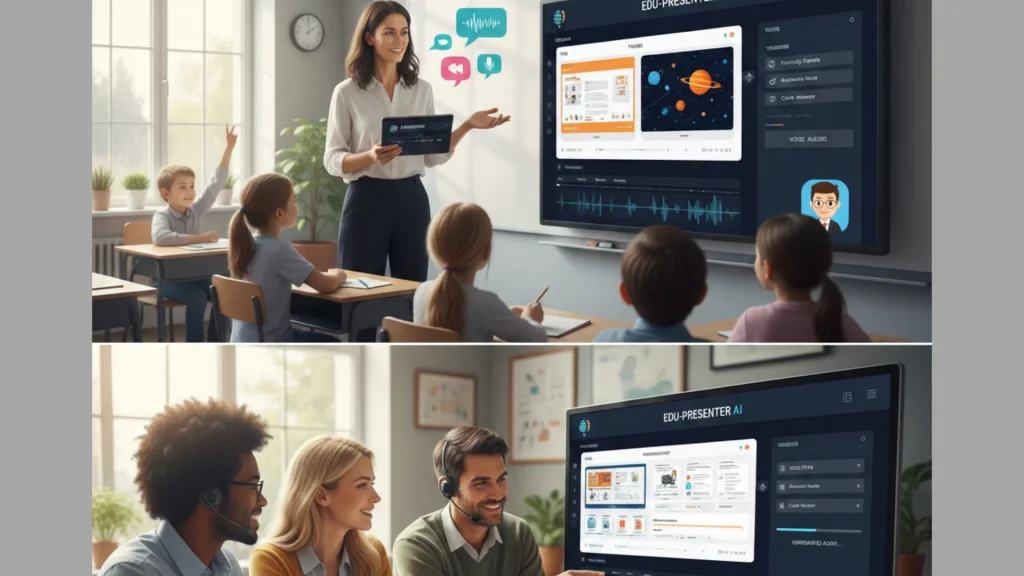
Teachers work hard every day. You plan lessons, grade papers and manage classrooms. Making slides for every topic takes a lot of time. Sometimes, you need a presentation that speaks for itself. This is where AI presentation makers with voiceover come in. These tools use smart tech to build slides and add human-sounding speech. They help you flip your classroom or support students who learn at home.
Why Teachers Need Voiceover AI
Traditional slides are silent. Students must read every word while you talk. This is hard for some kids. Voiceover tools change that. They add a clear voice to every slide. You can choose different accents and speeds. This makes lessons better for students who are visual or auditory learners. It also helps students who speak other languages.
Using AI for voiceover saves your energy. You do not have to record yourself for hours. If you make a mistake in a script, you just fix the text. The AI updates the audio in seconds. This means your materials stay fresh without extra work. It also ensures every student hears the same clear instructions.
Top AI Tools for the Classroom
1. Jotform AI Presentation Agent
Jotform has a new tool just for teachers. You can upload a PDF or a lesson plan. The AI turns that file into slides. It adds a voice that reads the content. You can even pick the tone of the voice. It offers a live Q&A feature too. Students can ask the AI questions during the lesson. This makes a static file feel like a real teacher is there. It is great for interactive sessions where you want students to explore a topic on their own.
2. Murf AI
Murf is a leader in high-quality speech. It is not just a slide maker. It is a voice studio. You can put your slides into Murf and add a script. The AI voices sound like real people. They do not sound like robots. You can change the pitch or add pauses. This helps you emphasize important facts. It works well as an add-on for Google Slides. Teachers like it because the voices are very calming and professional.
3. Gamma AI
Gamma is great for fast work. You type a topic, and it builds a deck in seconds. It uses a modern layout that looks like a website. It does not have built-in voiceover as a main feature. However, you can record your own voice easily. It is best for teachers who want a stylish look without extra effort. The layouts are fluid, so they look good on phones and tablets.
4. Plus AI
Many teachers love Google Slides. Plus AI lives inside that app. It helps you fix old slides or make new ones. It uses AI to write the text and find images. To add voice, you can pair it with other tools. It is a top choice if you want to stay in a familiar workspace. It even suggests ways to rewrite your text for better clarity.
5. Canva Magic Design
Canva is a classic tool for design. Their “Magic Design” tool now uses AI to build slides. You enter a prompt and watch the magic. Canva for Education is free for many teachers. It has a “Present and Record” feature. You can record your face and voice over the slides. This is perfect for remote learning. Students see your smile while they hear the lesson.
How AI Improves Student Accessibility
Accessibility is a big word for a simple idea. It means every student can learn. Some students have trouble seeing. Others have trouble reading fast. Voiceover AI helps these students. When a slide speaks, the student does not struggle with the text.
You can also use AI to translate your voice into other languages. If you have a student who only speaks Spanish, AI can help. It can turn your English notes into a Spanish voiceover. This makes the student feel welcome. It helps them keep up with the rest of the class. This is a powerful way to build a fair classroom.
Creating Your First AI Lesson
Start with a clear goal. Tell the AI what your lesson is about. Pick a grade level so the words are not too hard. Review the slides once the AI finishes. AI is smart, but it can make mistakes. Check the facts and the voice timing.
Make sure the images match the words. Sometimes AI picks a generic photo. You can swap it for a real photo of your lab or classroom. This makes the lesson feel more personal. Your students will know you spent time on it.
The Power of the Flipped Classroom
In a flipped classroom, students learn the basics at home. They watch a video or a presentation. Then they come to class to do activities. Voiceover AI is perfect for this. You can send a talking presentation to your students. They can listen to it at their own pace. They can rewind if they miss something.
This saves you from giving the same lecture five times a day. You can use your class time for small groups. You can help the students who are struggling. This way, everyone gets the attention they need.
Best Practices for Teachers
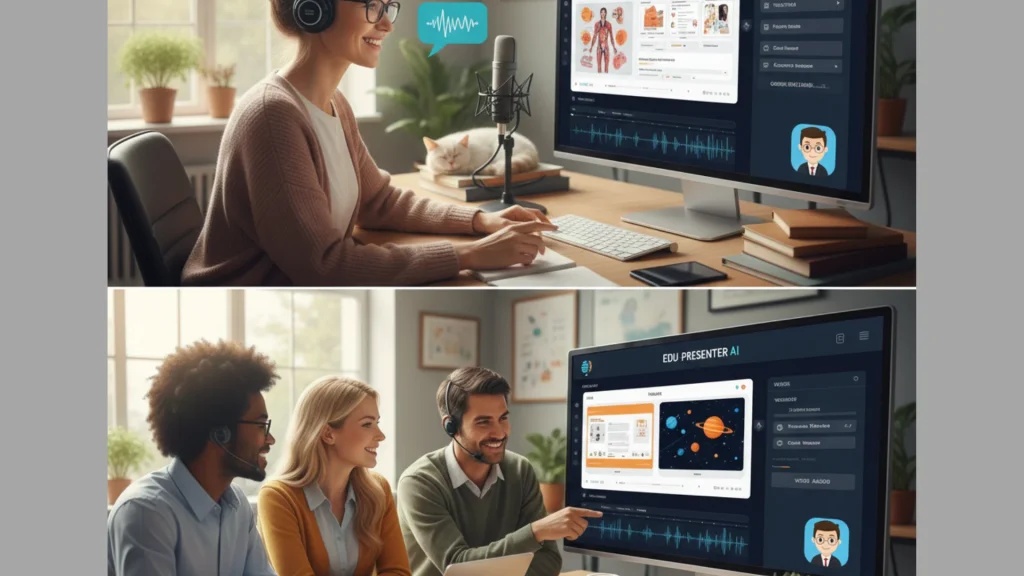
Do not let the AI do all the work. Your students want to hear from you. Use the AI voice for the facts. Use your own voice for the stories. Add a slide at the end with a personal message. Ask a question to spark a debate.
Keep your slides simple. Too much text is hard to read. Let the voiceover tell the story. Use big pictures and bold titles. This keeps students focused on what they hear. If they spend all their time reading, they might miss what the AI is saying.
Final Thoughts for Educators
AI is a helpful partner for teachers. It handles the boring parts of making slides. It gives you more time to focus on your students. Voiceover features make your content accessible to everyone. Try one of these tools this week. Your students will enjoy the new way of learning. You will enjoy having more time in your day.
Frequently Asked Questions (FAQ)
Q: Is AI voiceover free for teachers?
A: Many tools offer free versions. Canva for Education is a great example. It gives teachers premium features at no cost. Other tools like Gamma give you credits to start. You can make a few presentations for free. Always check for an “Education” discount on the pricing page.
Q: Can I use my own voice with these tools?
A: Yes. Most tools allow you to record yourself. Some even have “voice cloning.” This means the AI learns how you sound. Then it can read any text in your voice. This is a great way to stay connected with your students.
Q: Does the AI follow school standards?
A: Some tools allow you to paste in your standards. You can tell the AI to follow “Common Core” or “NGSS.” It will then pick words and topics that fit those rules. Always check the final slides to be sure they match your goals.
Q: Will AI replace teachers?
A: No. AI is just a tool. It cannot manage a classroom or care for a student. It helps you with the busy work. You are the heart of the classroom. The AI just makes your voice reach further.
Q: Can students use these tools too?A:
A: Yes. Students can use AI to make their own projects. It helps them practice public speaking. They can hear how their words sound before they present. This builds confidence for shy students.